Server Migration Backups: How to Move Servers Without Losing Data
Published on: Thursday, Apr 23, 2026 By Admin
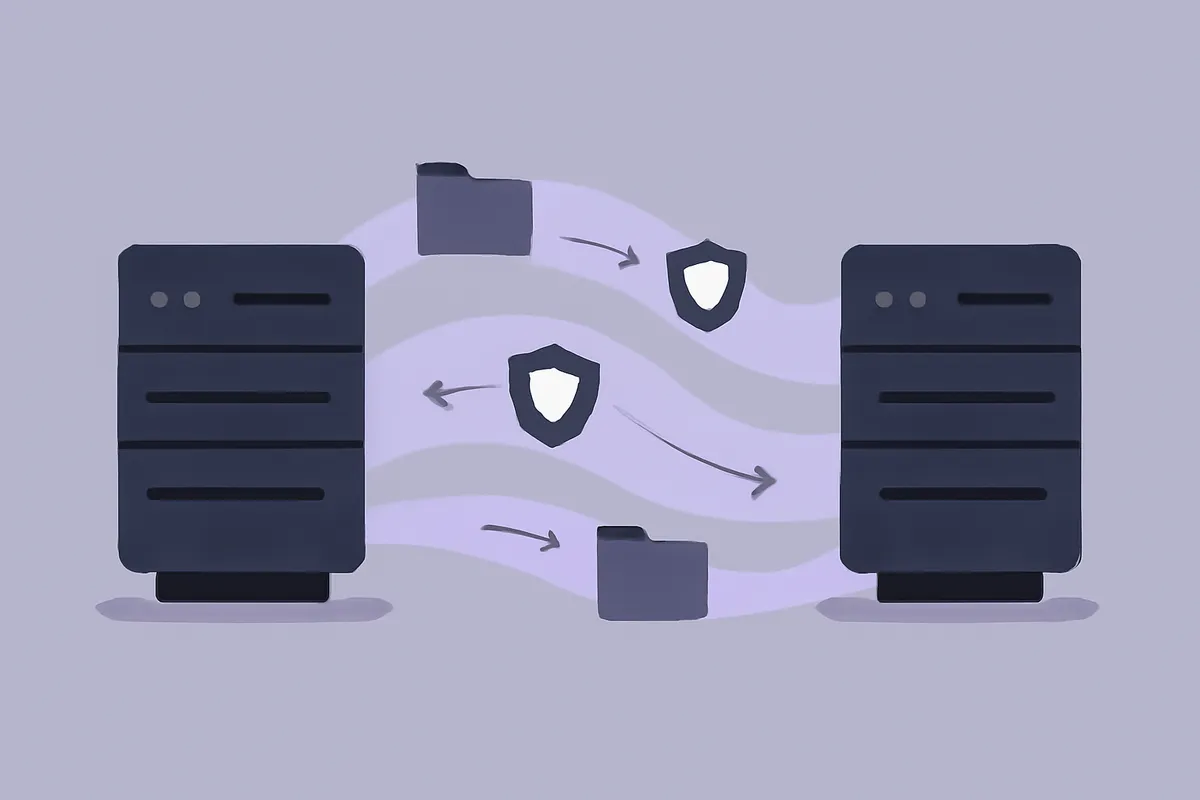
Server migrations have a reputation for going sideways. Not always dramatically, not always completely, but almost always in some small way that costs you time, data, or sleep. Maybe a config file didn’t make it over. Maybe the database was mid-write when you took your snapshot. Maybe you moved everything, declared victory, and two days later realized a cron job was pulling from an old directory that no longer exists.
The difference between a migration that goes cleanly and one that turns into a weekend-eating incident is almost always backup strategy. Not just “did you run a backup before starting?” but whether you had a structured, intentional backup plan built around the migration itself.
Why Migration Backups Are Different From Regular Backups
Your regular backup schedule exists to protect against failure. Migrations are different. You’re not protecting against something going wrong unexpectedly. You’re deliberately changing your infrastructure, which means you need a different posture entirely.
With a standard backup, the question is: “If this server dies tonight, can I recover?” With a migration backup, the questions multiply:
- Can I roll back to the exact pre-migration state if something breaks?
- Do I have a clean snapshot at every critical stage of the migration?
- If I discover a problem 48 hours after the migration, is there a point I can restore to?
- Am I capturing application state, not just the filesystem?
Regular backups are a safety net. Migration backups are more like a series of checkpoints in a video game. You want to be able to say “go back to checkpoint 3” without any ambiguity.
The Window Problem
Most migrations involve a cutover window, the period where you switch traffic from the old server to the new one. During that window, data might be written to both environments, or to neither, or to one and not the other depending on how your DNS or load balancer is configured.
If your backup only captures the old server before the window, and something goes wrong after, you might be missing hours of writes. That’s not a backup failure. That’s a planning failure. Building your backup strategy around the migration window is the single most important thing you can do.
The Pre-Migration Backup: What to Actually Capture
The backup you take before a migration isn’t just a full snapshot of your server. It needs to be deliberate about what it includes and when it’s taken.
Timing matters more than you think. Don’t take your pre-migration backup at 2am the night before and then start the migration at 10am. Take it as close to the migration start as operationally possible. An 8-hour-old backup means up to 8 hours of potential data loss if you need to roll back.
What to include in a pre-migration backup:
- Full server snapshot including OS, application files, and dependencies
- Database dumps taken at a consistent point in time, not mid-transaction
- Environment configuration files, not just application code
- Cron jobs, scheduled tasks, and any system-level automation
- SSL certificates and secrets, stored securely
- Any locally cached data you actually care about
What teams forget:
- Symlinks and custom mount points
- Third-party agent configs (monitoring, logging, etc.)
- App-level queues that might have jobs in flight
- Any data written to non-standard directories
Take the backup. Then verify it. Don’t assume it’s good. If you can’t restore from a backup in a test environment before starting the migration, you don’t actually have a working backup. Check out Backup Verification vs. Backup Testing: Why Most Teams Are Doing It Wrong for a practical breakdown of how to do this without it taking all day.
Staging Checkpoints During the Migration
Here’s where most teams drop the ball. They take one backup before migration and then don’t take another until after the migration is “complete.” That creates a gap where anything that happens mid-migration has no clean recovery point.
Build checkpoints into your migration plan. Treat them like commits in version control. Before each major step, take a snapshot.
A reasonable checkpoint structure for a server migration:
- Pre-migration snapshot of the source server (as close to start time as possible)
- Snapshot of the new server after provisioning but before data transfer
- Snapshot after data transfer, before any application configuration changes
- Snapshot after application is configured but before any traffic is routed to the new server
- Snapshot after initial traffic cutover, once you’ve confirmed basic functionality
This sounds like a lot, but checkpoints 2 through 4 are fast if your infrastructure supports it. You’re not taking full backups at each step necessarily, but you want a known-good state to return to at each phase.
Handling Live Databases During Migration
Databases deserve their own section because they’re where most migration data loss actually happens.
The core problem: databases are constantly writing. A filesystem snapshot taken while a database is mid-transaction can result in a corrupt backup. You need application-consistent snapshots, not just crash-consistent ones.
The right approach depends on your database, but the general principle is:
- Either flush and lock the database briefly during the snapshot, or
- Use your database’s built-in backup tooling to export a consistent dump before migration
If you’re running PostgreSQL or MySQL, there are well-established ways to do this. The point isn’t to stop your database for a long time. It’s to ensure the backup you’re taking is actually valid. For more detail on database-specific approaches, the Database Backup Best Practices: PostgreSQL & MySQL the Right Way post covers this thoroughly.
After migration, take a fresh database dump from the new server and verify it independently. Don’t just assume the data transferred cleanly.
Managing Backup Storage During a Migration
Migrations temporarily double your infrastructure. You have the source server and the destination server running at the same time. That means you need to think about where your backups live and how long you’re keeping them.
Don’t back up both servers to the same destination bucket without clear naming conventions. When you’re debugging at midnight and need to find “the backup from before we moved the database,” a folder full of ambiguously named snapshots is not helpful.
Use a naming structure that includes:
- Server identifier (source vs. destination, or use your actual server names)
- Migration phase (pre-migration, post-transfer, post-cutover, etc.)
- Timestamp
This seems obvious in the daylight. It’s easy to skip when you’re in the middle of a migration and just trying to get things done.
How long to keep migration backups? This is different from your standard retention policy. Keep pre-migration snapshots for at least 30 days after a successful migration. It’s not uncommon to discover a problem three weeks later when someone realizes a specific file or config didn’t make it over. If you’ve already deleted your pre-migration backup, you can’t reconstruct that state. For general thinking on retention windows, Backup Retention Policies Explained: How Long Should You Actually Keep Backups? has good practical guidance.
Post-Migration Backup Strategy: Starting Clean on the New Server
Once the migration is done and traffic is running on the new server, a lot of teams forget to set up their ongoing backup schedule before decommissioning the old server.
Don’t turn off the old server until:
- Your backup agent is installed and running on the new server
- At least one successful backup has completed and been verified
- You’ve confirmed the backup is going to the right destination
- You’ve updated any monitoring or alerting to point at the new server’s backups
Decommissioning the old server while the new server has no active backup is one of the more common ways teams end up with zero recovery options. It happens because migrations are tiring, and people want to be done when they’re done.
Set a rule: the old server doesn’t go offline until you have verified backups from the new server. Make it a checklist item. Make it the last checkbox before anyone clicks “terminate instance.”
Updating Your Backup Runbook
If your team has a backup runbook (and they should), a migration is the moment to update it. Server names change. IP addresses change. Storage paths change. Config file locations change.
An outdated runbook is almost as bad as no runbook. After migration, walk through your runbook and update every reference to the old server. Assign someone to own that update. Don’t leave it as a “we’ll get to it” task.
Testing Recovery After Migration
Taking backups during a migration is only half of it. You need to verify that you can actually recover from those backups on the new infrastructure.
This is not the same as checking that the backup file exists. A backup that can’t be restored isn’t a backup. It’s a false sense of security.
After a migration, run a restore test. Not a full production restore, but a targeted test that confirms:
- The backup can be downloaded and extracted
- Application configs restore correctly
- The database restores to a consistent state
- Any environment-specific paths or settings work on the new server’s setup
Most teams skip this because they’re exhausted after a migration. That’s understandable. But doing it within 24 to 48 hours of completing the migration, before you’ve fully context-switched to other work, is when it costs the least time. Discovering a corrupt backup three months later when you actually need it is a much worse situation.
Common Migration Backup Failures (and How to Avoid Them)
These aren’t theoretical. They’re patterns that come up repeatedly.
Backing up the right server at the wrong time. Taking a pre-migration backup but then doing a significant amount of work before actually starting the migration. If there’s a multi-hour gap between your backup and the start of migration activities, update the backup.
Skipping backup verification because “we’re in a hurry.” Migrations almost always have time pressure. That pressure is exactly when verification gets skipped. Build it into the plan as a non-negotiable step, not an optional one.
Not capturing environment variables and secrets. Application files transfer. Database dumps transfer. But environment variables injected at the system level, secrets stored in non-standard locations, and API keys baked into service configs are easy to miss. Create a specific checklist for secrets management as part of your migration backup process.
Using the same backup schedule as normal operations. If you normally back up every 6 hours, that’s probably fine for routine operations. During a migration, you want more granular checkpoints. Temporarily increase backup frequency in the 24 hours before and after a migration.
Not labeling backups clearly. Already mentioned this but it’s worth saying twice. Label everything. You will thank yourself.
Assuming a successful migration means backups are fine. The migration working doesn’t mean your backup setup on the new server is correct. They’re separate things. Verify both.
How SnapBucket Makes Migration Backups Less Painful
Managing migration checkpoints manually is tedious. You’re juggling a lot already when you’re in the middle of moving servers.
With SnapBucket, you can trigger on-demand snapshots at any point in the migration process directly from the dashboard, without writing any custom scripts or modifying your existing backup schedule. Taking a checkpoint before a critical step is a few clicks, not a ssh session and a prayer that you remembered the right flags.
The centralized view also makes it easy to see all your migration backups in one place, labeled clearly, alongside your regular backup history. When you’re debugging at 1am trying to figure out which backup predates the migration, having everything visible in one place matters more than you’d expect.
Backups go to your own S3-compatible storage, so you control the destination and the naming. You’re not locked into a proprietary format or a vendor-managed bucket you can’t see into. Check out the full features overview if you want to see how the agent and dashboard work together.
Conclusion
Migrations are high-stakes moments. They’re also predictable ones. Unlike random failures, you know a migration is coming, which means you have the opportunity to be deliberate about how you protect your data during it.
The three things that matter most:
-
Take backups at meaningful checkpoints, not just once before you start. Every major phase of a migration deserves its own snapshot so you can roll back to a known state.
-
Verify every backup before you rely on it. A backup you haven’t tested is a guess. A migration with unverified backups is a risk you don’t need to take.
-
Don’t decommission the old server until the new server has verified, active backups running. This single rule will save you from the scenario where a migration “succeeds” but leaves you with no recovery options.
If you want to see how SnapBucket handles backup management across migrations and multi-server environments, start a free trial. No commitment, and you can have a backup running on your server in minutes.